Paint Your Room with Paint Visualizer Upload Photo
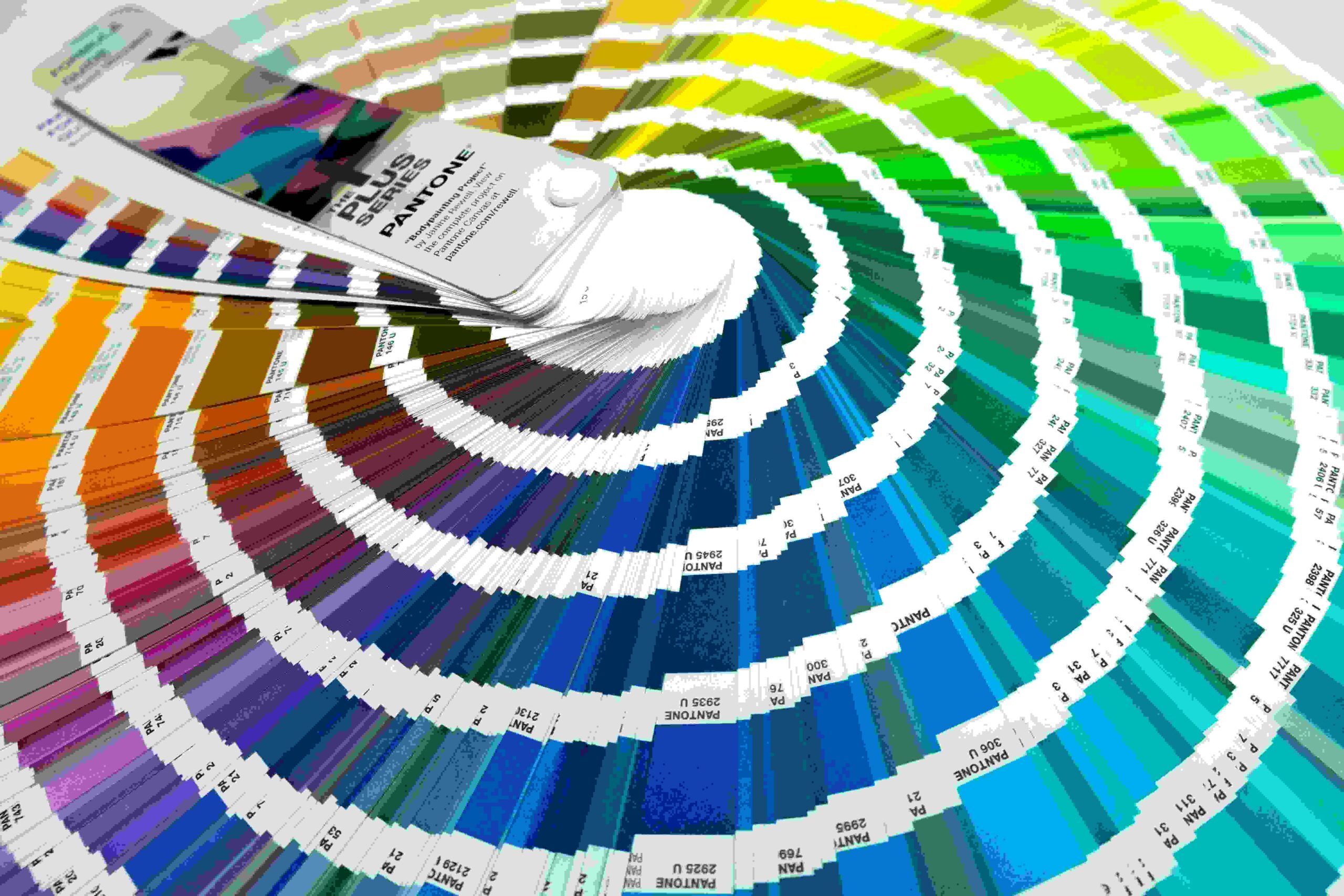
Most people pick a paint color only to regret it after the first coat dries. A photo-based visualizer eliminates that uncertainty by letting you preview realistic wall changes before committing, making every colour decision genuinely informed and confident.
What once required guesswork and physical colour sample chips now happens digitally. Upload any room image, and AI instantly applies your chosen colors across surfaces — delivering high-quality, realistic previews that reflect true lighting and shade depth.
How Paint Visualizer Upload Photo Works
Uploading a photo of your room begins the process. Our AI-powered system uses algorithms to analyze your space, detecting walls, ceilings, and floors with edge-detect functionality, ensuring precise boundaries across complex surfaces automatically.
From there, real-time color visualization applies your chosen shades instantly. Browse curated palettes, explore color families, and preview matte, satin, or glossy finishes — generating high-resolution, true-to-life previews before buying paint confidently.
🎨 Paint Visualizer
Discover the perfect paint colour for any room — AI-generated room visualizations with real colour, finish and technique combinations
Visualize Your Paint Colour
Choose your colour family, room type, paint finish and technique — then generate a photorealistic room visualization to see it in context
Choose your colour family, room type and finish
above, then click Generate to see it painted in your room
Visualizing your paint colour…
Unlock Full Paint Visualizer Access
Sign in to generate unlimited AI paint visualizations, save your colour choices and access all premium planning tools
Paint Colour Palettes
Expertly curated paint colour stories for every interior style — from timeless neutrals to bold, room-transforming statements
Click any palette above to select it, then generate a matching painted room visualization
Paint Style Quiz
Answer 5 quick questions to discover the perfect paint colour direction for your home and personality
Paint Project Budget Planner
Plan your painting project budget accurately — from a weekend DIY refresh to a full professional whole-home repaint
Select Project Scope
* Estimates are indicative for a standard 15–20 m² room. Prices vary by brand, region and surface condition — always get quotes before committing.
Paint Calculator
Enter your room dimensions to calculate exactly how much paint you need — walls, ceiling and trim — so you never run out mid-job or over-buy
📐 Room Dimensions
🪟 Doors, Windows & Finish
📊 Your Paint Requirements
* Coverage varies by brand, surface porosity and application method. Always buy 10–15% extra. Confirm coverage rate on the tin before purchasing.
Expert Paint Tips
Professional painter and designer secrets to help you choose the right colour, prepare perfectly and achieve a flawless finish every time
Features
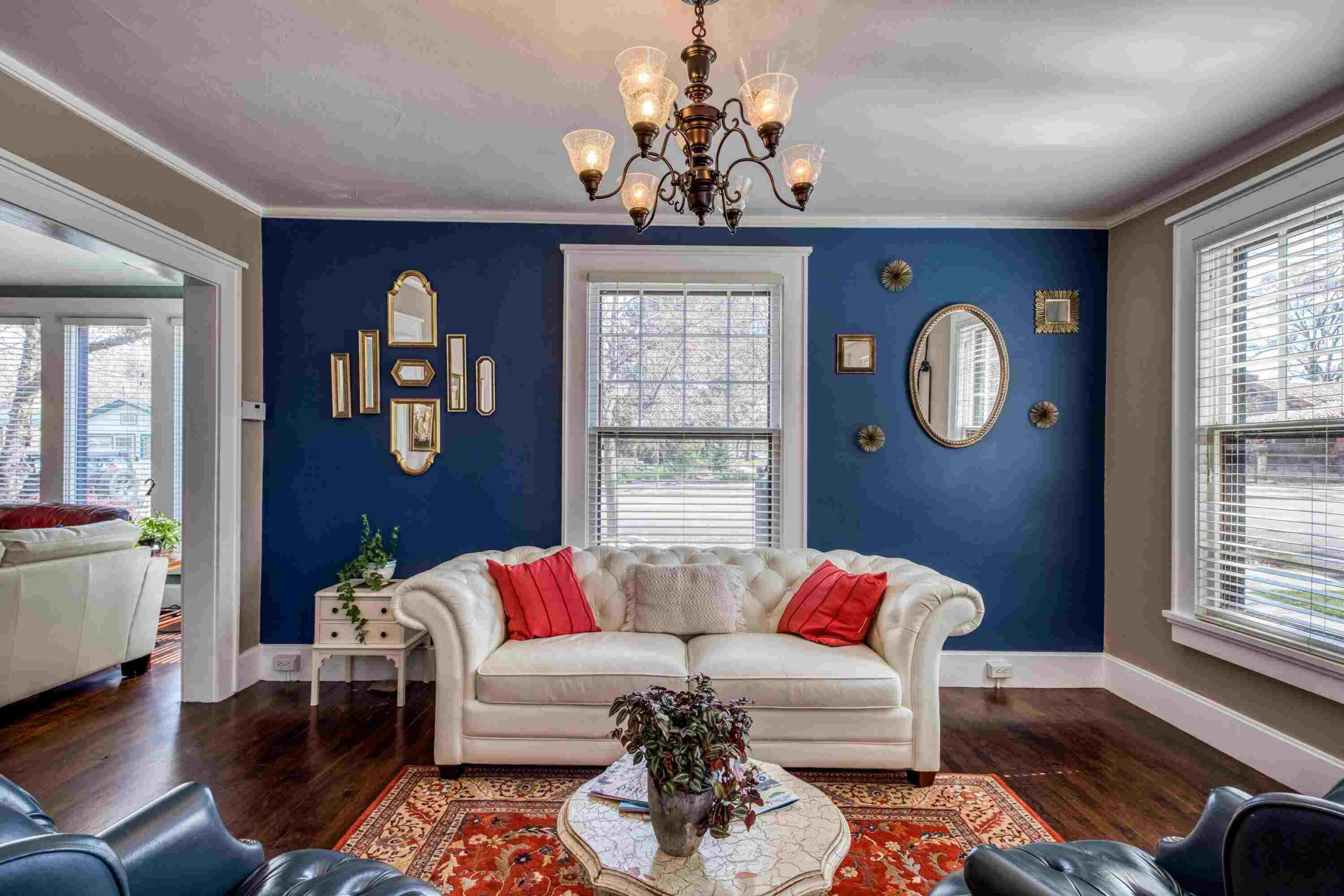
Experienced designers rarely commit to a colour without testing it virtually first. This tool lets you upload a photo of your space, instantly applying over 2.2 million colours with photo-realistic results — eliminating costly colour dissatisfaction after painting.
What impressed me most is how AI spatial understanding handles overlapping surfaces, shadows, and reflections precisely, detecting walls, floors, ceilings, furniture, and decor naturally — delivering smooth color blending without manual selection or frustrating planning.
Color Matching
Most people assume colour matching begins at the paint store — it doesn’t. The real process starts the moment you upload a photo and let the tool cross-reference your favourite item against thousands of pre-selected colours, surfacing the closest match almost instantly.
What separates precise matching from guesswork is how AI reads colour chips, visualize rug color, interprets screen calibration, and accounts for surface sheen — delivering the complementary colours and palette options that align with your existing walls, without a single physical paint sample.
Room Types Supported
Most people approach room selection randomly, but experienced interior designers know that each space behaves differently under natural and artificial light. AI room reacts to colour far more intensely than a mudroom ever would.
The kitchen, bedroom, dining room, living room, kids room, office, laundry, and entry each carry distinct lighting conditions affecting realistic color previews — making accurate surface visualization essential before any painting commitment
Photo Upload Tips & Guidelines
Uploading a photo with natural daylight removes harsh shadows that confuse AI detection. Avoid filters or edited style adjustments — high-resolution, unaltered images deliver far more accurate color visualization results every time.
JPG, PNG, or HEIC formats work best for personalized color testing. Ensure your room lighting conditions are consistent across all surfaces so walls, floors, and decor register correctly during digital preview processing.
Save, Download & Share
Every decision you lock in deserves a record. Once you visualize your chosen paint across surfaces, hitting save preserves your progress — no starting over, no forgotten design choices buried under guesswork and hesitation from earlier sessions.
High-quality exported images carry the full weight of your room visualizations — crisp, detailed, and presentation-ready. Download them directly and walk into any consultation or store with something concrete rather than abstract color ideas.
Showing friends or family a realistic painted room removes the guesswork entirely from collaborative decisions. Simply share your exported visuals and let the image speak — it communicates what words about swatches and chips rarely can on their own.


AI-Powered Technology
Most homeowners never realize how AI quietly eliminates colour guesswork entirely. Using proprietary technology, the visualizer reads lighting conditions, resolution, shadows, and reflections to generate true-to-life, realistic previews with stunning accuracy before any paint purchase.
Natural and artificial light behave differently across surfaces — AI accounts for brightness, contrast, saturation, and textures, simulating realistic finishes on walls, ceilings, and floors through high-resolution rendering that mirrors real-life results with remarkable colour-matching precision.
Who Is It For
Anyone tackling home design projects will find this built for them. Whether managing interior spaces or eyeing exterior walls, this tool removes the guesswork, delivering realistic color previews before a single paint can is opened.
Homeowners seeking confidence in color changes, professional decorators visualizing room decor, or first-timers exploring paint ideas — this virtual room painter serves everyone ready to make informed design decisions without relying on outdated traditional paint tools.
AI-powered Paint Visualizer
See Your Room in a New Color — Before You Paint a Single Wall
Upload your photo, pick a color, and watch your space transform in seconds.
Free to use
No sign-up required
Results in seconds
FAQs
Can I upload my own photo to visualize paint colours in my room?
Yes! Simply upload your room photos and explore over 2000 paint colours instantly.
What happens after I upload a photo of my room?
Your room photo transforms immediately, showing paint colours across every wall surface beautifully.
Is uploading a room photo difficult for first-time users?
Not at all — upload your room photos and see 2000 paint options effortlessly.
How many photos can I upload for paint colour visualization?
You can upload multiple room photos and test 2000 different paint colours freely.
Does uploading a photo require any technical knowledge or design experience?
No expertise needed — upload, select paint, and watch colours transform your room beautifully.
Can uploading different room photos help me compare paint colour results?
Absolutely — upload various room photos to compare 2000 paint colours side by side.
Will uploading a photo give me realistic paint colour previews for rooms?
Yes, upload your room photos and preview 2000 true paint colours realistically.
What makes uploading a personal photo better than using preset room templates?
Personal room photos reflect your actual space, making paint colour selection far more accurate.
Should I upload a photo before choosing from the 2000 paint colours available?
Yes — upload first, then browse 2000 paint colours matched perfectly to your room.
Can I upload photos of any room type to test different paint colours?
Yes, upload any room photos — explore 2000 paint colours across every space freely.