
Transform Your Space Free with AI Office Layout Generator
Workspace planning has always demanded both design intuition and spatial intelligence. Today, ai office layout generator tools generate realistic, photorealistic concept outputs — transforming how teams visualize an office before a single furniture piece moves.
What once required professional interior planning expertise can now happen online, fast. A simple prompt feeds digital spatial flow logic, producing functional, aesthetically pleasing layouts shaped by real room dimensions and structural elements.
How to Use AI Office Layout Generator
Start by uploading your floor plan or empty room photo — the AI generator will detect structure, windows, and desks automatically, delivering accurate spatial depth and previews to visualize your workspace instantly with multiple layout options.
Select modern, minimal, or industrial styles, then adjust furniture placement, lighting intensity, and color schemes across meeting areas, lounge zones, and workstations — tailored dimensions ensure cost-effective, optimized arrangements that genuinely enhance team workflow and productivity.
Review the multiple versions, then use the drag-and-drop editor to customize colors, materials, decor, and furniture placement. Refine your final blueprint, collaborate with your team, and download in high-quality format.
AI Office Design Tool
Transform any workspace with the power of artificial intelligence
Upload Your Office Photo
Click to upload or drag & drop
PNG, JPG, JPEG — up to 50MB
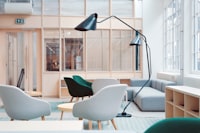 Home
Home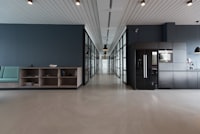 Executive
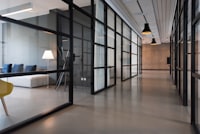 Open Plan
 Creative
Office Design Options
Free account required — Sign up free or Log in
Your AI Office Design Will Appear Here
Upload an office photo or pick a demo, choose your style, furniture setup and colour scheme, then click Generate AI Office Design.
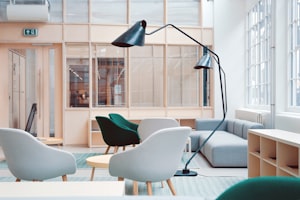 Contemporary
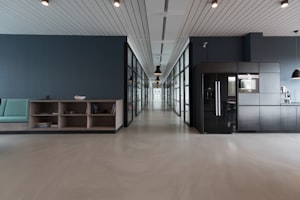 Executive
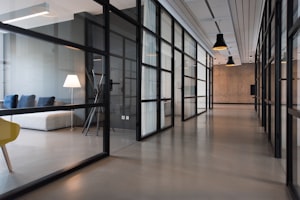 Tech Modern
Generating your office design…
AI is designing your perfect workspace — 15–30 seconds
No designs yet. Your office designs will appear here.
Standing in the doorway and shooting diagonally gives the AI the desk, walls, shelves and lighting all in one shot — the fuller the frame, the better the redesign.
Dark Moody works best with a single dramatic desk lamp. Neutral White lets in soft daylight. Navy & Gold adds a late-night law-firm atmosphere. Choose your mood first.
Studies show plants in the workspace can increase productivity by up to 15%. Try Biophilic style with Forest Green palette for a calming, focused atmosphere.
Floor-to-ceiling built-in bookshelves work best with Traditional or Library Study types. Pair with Dark Moody or Navy & Gold for a distinguished study feel.
Name exact pieces: "Herman Miller Aeron chair", "Paul McCobb desk", "Flos Arco floor lamp", "dark walnut panelled walls", "antique globe on credenza".
For a dream battlestation, combine Tech Modern style with Ergonomic Setup furniture and Dark Moody palette — LED strips and dual monitors included by default.
Office Style Inspiration Gallery
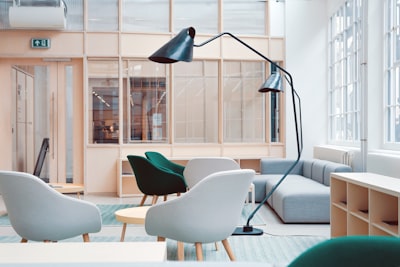
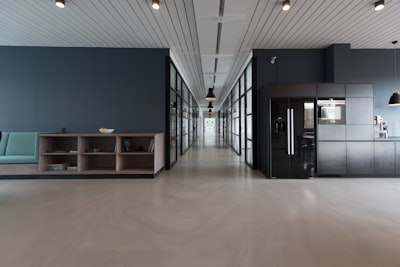
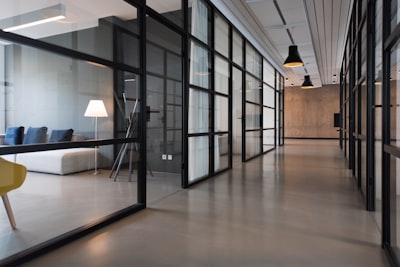
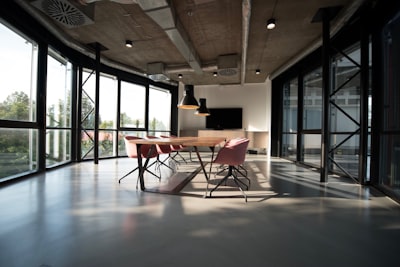


Office Styles Supported
Choosing the right aesthetic before touching a design tool matters more than most planners realize. From Nordic minimalism to Japanese spatial discipline, this online platform recognizes distinct corporate and creative personalities within any workspace, mapping furniture logic, pool layouts and lighting zones against your team’s actual working habits.
Each supported style ships with smart defaults — open floor plans, hybrid zones, private setups — letting you switch between inspiring and efficient spatial environments without restarting from scratch, keeping every layout tailored to specific spatial requirements.
3D Visualization & Rendering
Photorealistic renders transform flat floor plans into immersive 3D environments, letting you visualize every lighting condition, color, and material before committing. Furniture placement, ambiance, and depth previews reveal spatial accuracy that traditional 2D design tools simply cannot match.
Renderings eliminate guesswork by simulating true-to-life finishes, decorations, and effects within your planned space. Whether redesigning a corporate suite or a cozy studio, photorealistic image output ensures your vision aligns with realistic expectations before any installation begins.
Key Features
Smart space utilization drives every layout decision — the intelligent engine scans room dimensions and proposes ergonomic workstation placements that maximize floor potential.
Reducing strain during long work hours while maintaining aesthetics that feel both motivating and visually appealing.
Beyond static floor maps, real-time 3D visualization lets teams make informed decisions before any architectural changes happen.
A genuine digital solution that fuses efficiency, speed, and detailed rendering into one customizable, deeply focused planning experience.
Templates & Symbols Library
A well-stocked symbols library eliminates guesswork — drag precise icons for doors, walls, fixtures, and shapes directly onto your canvas, letting designers build functional floor plans with structured accuracy and zero clutter.
Beyond basic elements, ready-made templates cover open plans, corporate zones, and cozy workspaces — giving teams a confident quick start while keeping every layout tailored to spatial requirements and real productivity goals.
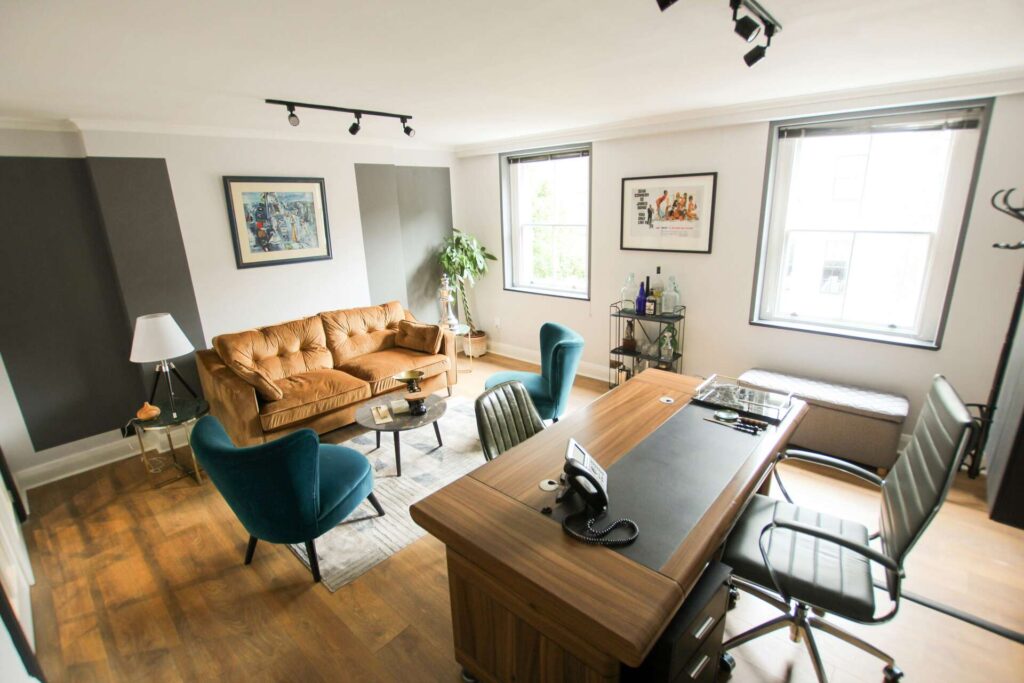
Infinite Canvas & Collaboration
Interior designers underestimate how an infinite canvas transforms co-edit freedom — it eliminates switching delays mid-workflow, letting colleagues draw, reposition shapes, and invite clients to share real-time diagrams without spatial boundaries interrupting the collaborative communication rhythm.
Live updates allow designers to assign tasks, drop icons, adjust lines, and comment across floor plans simultaneously — the blueprint evolves through co-edit sessions where decision-making stays distributed, ensuring collaboration never stalls behind single-user workflow bottlenecks.
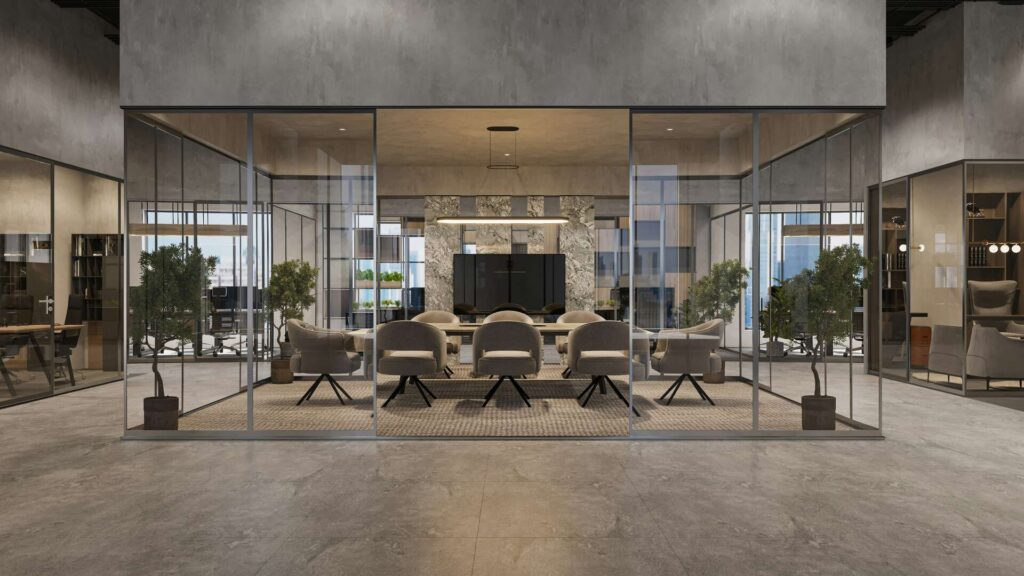
Testimonials
Our workspace transformation began when a startup owner discovered this intuitive platform. Within minutes, she crafted functional, inspiring environments tailored to her team’s spatial requirements, calling it the smartest office planning decision she ever made.
A seasoned architect praised how effortlessly the tool handles corporate open-office layouts with high-quality results. “It replaced expensive traditional software overnight,” he noted, highlighting efficient design suggestions perfectly aligned with comfort and productivity goals.
AI-powered
Design your perfect office in seconds
Describe your team, your space, your vibe — and our AI generates optimized office plans tailored to how you actually work.
FAQs
What types of office spaces can I design with this tool?
This tool supports open, hybrid, private workspaces and layouts tailored to your preferences.
Can I download the designs I create?
Export stunning visuals in PNG, JPG, SVG formats for portfolios and client presentations.
Is this tool suitable for small businesses or teams?
Small business owners and managers set professional furniture arrangements matching density and working habits.
Do I need design experience or software knowledge to use it?
Beginners visualize ideas using drag-and-drop interface; no skills, sign-up, or designer experience required.
Can I edit the AI-generated layout after it's created?
Add, remove, or reposition furniture, walls, doors, colors, materials through customization options manually.
Is there a free version available?
A free version exists; premium plans unlock advanced exports, templates, and monthly subscription options.
Can I use it for professional or commercial purposes?
Interior designers, architects, and real estate agents access commercial rights with premium plans.
Can I collaborate with my team on designs?
Friends co-edit designs in real time without switching or delays on shared plan.
Can I import existing floor plans or CAD files?
Upload existing CAD, DWG, DXF, PDF, or PNG files for digitization and editing.
Is the tool accessible on mobile or multiple devices?
Web-based multi-platform synchronization supports tablets, smartphones, iOS, Android across all your devices.