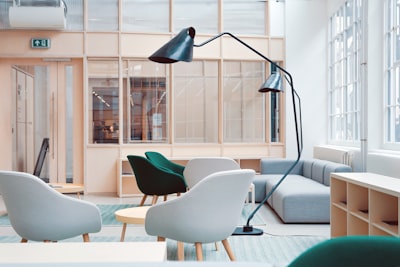
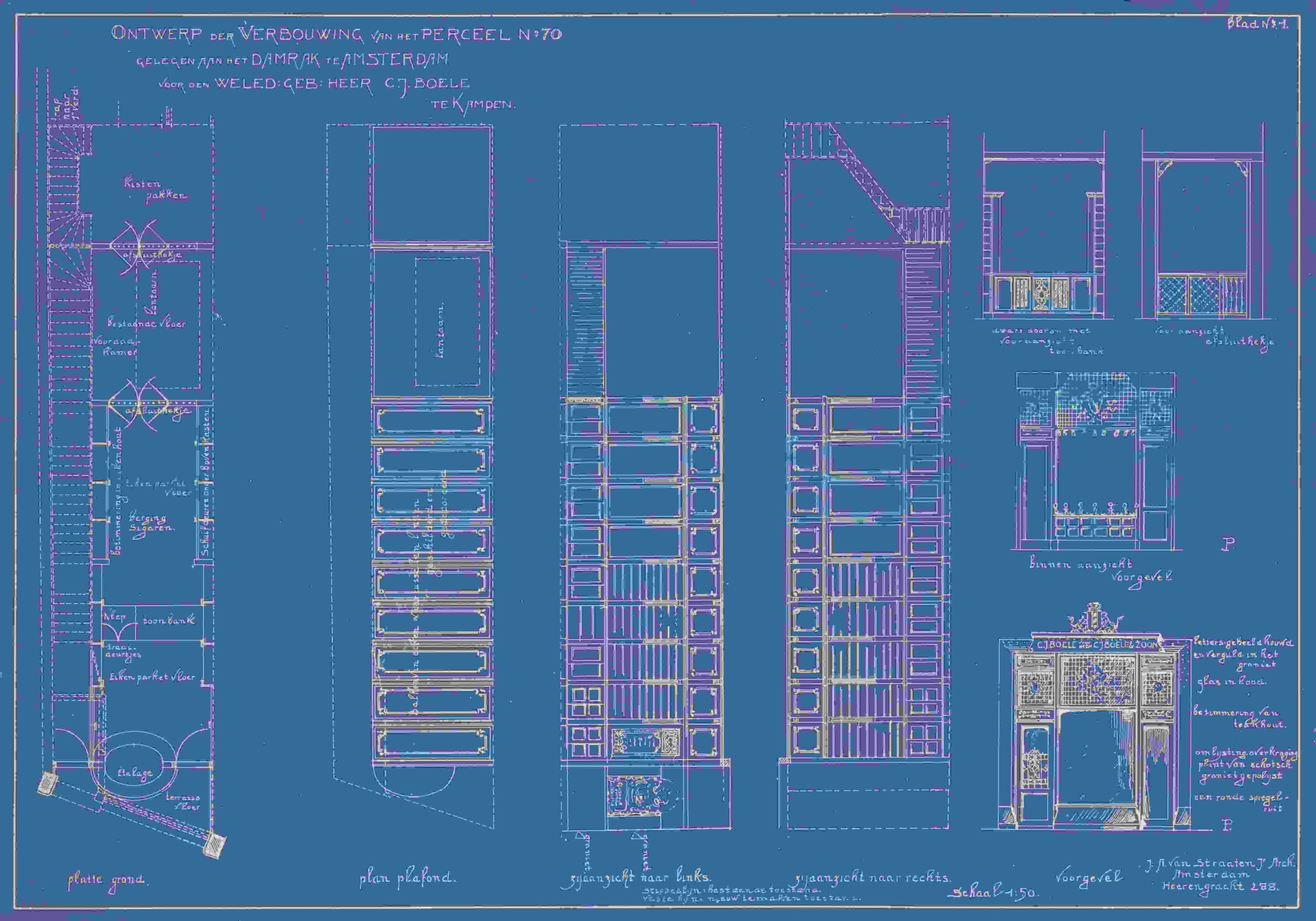
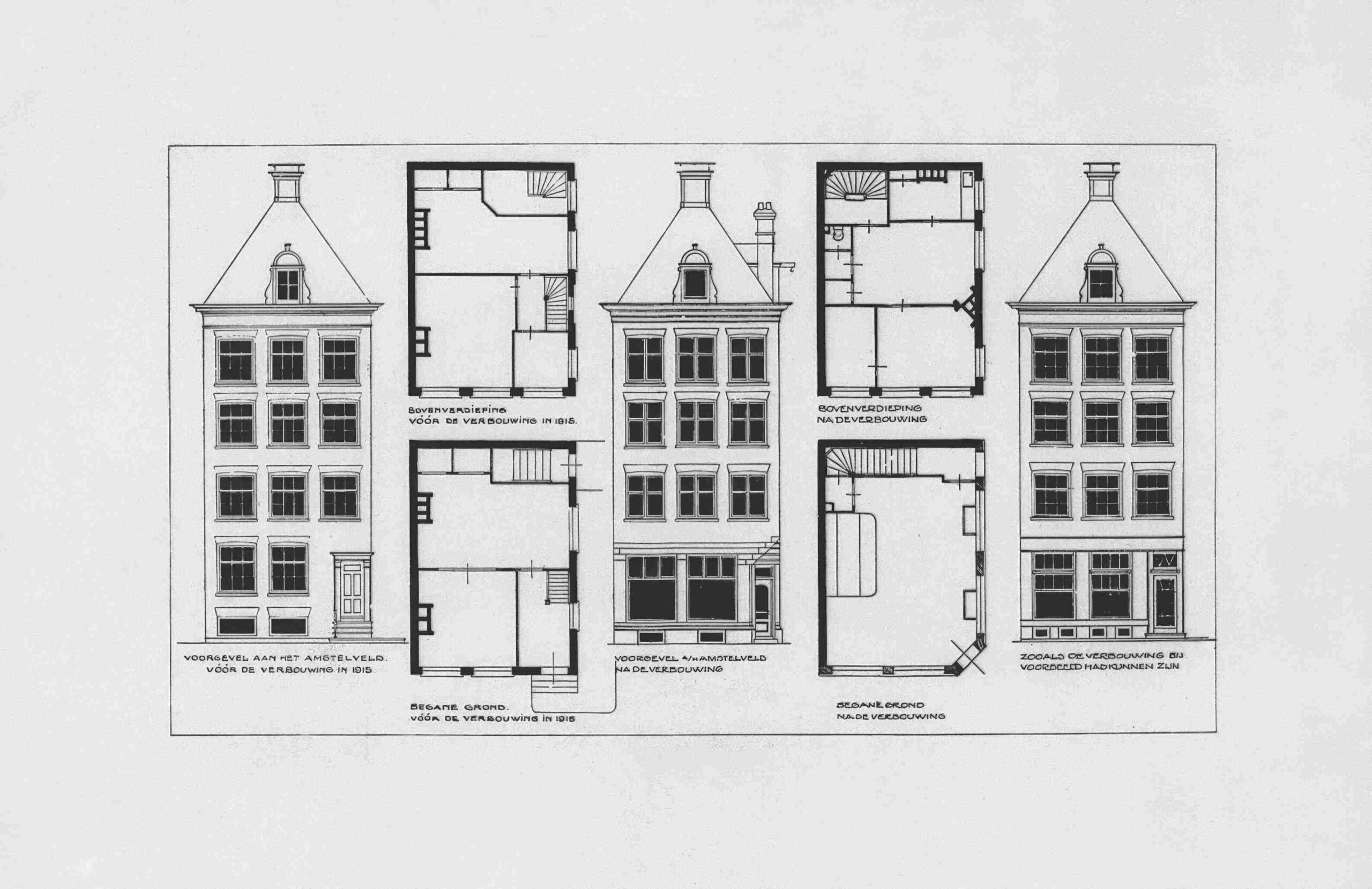
Every home starts as an idea — a rough sketch, a dream layout. A floor plan visualizer transforms those ideas into precise, scale-accurate 3D blueprints you can print, share, and build from — no CAD software or training required.
Modern drag-and-drop tools let beginners and professionals alike arrange furniture, define room boundaries, and explore interior possibilities across multiple floors — all from a computer or mobile device, in minutes.
Key Features of Floor Plan Visualizer Free
Most people approach floor planning the wrong way — starting with furniture before understanding space. A floor plan visualizer free tool flips that instinct, offering an intuitive infinite canvas where 2D floor plans and 3D photorealistic views coexist, letting beginners and professionals visualize every room with real-time design feedback.
The AI Floor Plan Generator fundamentally changes conceptual draft thinking — you describe bedrooms, bathrooms, or an open kitchen, and within seconds, presentation-ready layouts emerge. Pair this with a 260,000-strong 3D models library of furniture, plants, and commercial assets, and spatial decisions become genuinely effortless.
Floor Plan Visualizer
Generate beautiful floor plan layouts with AI — instantly visualize your dream space
AI Floor Plan Generator
Select your space type, layout style and aesthetic to generate a custom floor plan visual.
Create a free account to generate and save unlimited floor plan visuals.
Enter your room dimensions to calculate individual areas and total home size.
Add up to 8 rooms. Enter the length and width in metres. The calculator tallies your total floor area and shows a percentage breakdown per room — great for checking if your layout meets recommended minimum sizes.
Expert advice for creating functional, beautiful floor plan layouts.
☀️
Plan Around Sun Orientation
In Australia, north-facing living areas capture the most winter sun. Place main living spaces on the north side and bedrooms on the south or east for comfortable sleeping temperatures year-round.
🚶
Design for Natural Traffic Flow
Map how people move through your home daily. Entry → kitchen → living → bedrooms should flow naturally without crossing wet areas. Avoid traffic paths cutting through seating or work zones.
📦
Storage on Every Wall
Plan built-in storage at the design stage — it's far cheaper than retrofitting. Use dead corners, under-stair voids and hallway alcoves. Every bedroom should have at least 1.5 m of wardrobe space per person.
🔊
Consider Acoustic Zoning
Group noisy spaces (kitchen, living, laundry) together and quiet spaces (bedrooms, study) together. A bathroom between a bedroom and living area acts as a natural sound buffer.
💧
Stack Wet Areas to Save Costs
Place bathrooms, kitchens and laundries on the same or adjacent walls to share plumbing runs. Each extra metre of plumbing adds significant cost — clustered wet areas can save thousands.
🪟
Windows Affect Everything
Window placement determines light, cross-ventilation and privacy. Plan windows before furniture — not around it. Highlight windows above eye level bring in light without sacrificing wall space.
📐
Leave Room for Clearances
Allow 90 cm clearance around beds, 75 cm between dining chairs and wall, and 120 cm for main traffic pathways. Rooms that look spacious on paper feel cramped once furnished without proper clearances.
🔌
Plan Electrical Before Walls Go Up
Mark furniture positions on your floor plan and plan power points accordingly. Avoid symmetrical plug placement — put them where appliances actually sit. USB outlets at bedsides and power in islands save headaches later.
🏡
Indoor–Outdoor Connection
Align your living/dining floor level with the outdoor entertaining area and use sliding or bi-fold doors. Seamless indoor-outdoor flow adds perceived space and significantly improves lifestyle value.
🛋️
Scale Matters More Than Size
A well-proportioned 15 m² room feels better than a poorly planned 25 m² one. Focus on room proportions (ideally 1:1.5 ratio), ceiling height and doorway placement rather than raw square metres.
🚪
Door Swings Eat Space
A standard 820 mm door sweeps a 90 cm arc — in small rooms this kills usable area. Use sliding, barn or pocket doors for ensuites, pantries and studies. Sliding wardrobes free up to 2 m² of floor space.
🔮
Design for Future Flexibility
Consider how your needs change in 5–10 years. A room that works as guest room, study or nursery adds long-term value. Structural walls are expensive to move — plan now for a home that grows with you.
How to Create a Floor Plan
Start by signing into a free account, then pick a ready-made template matching your architectural style. Use drag-and-drop vector symbols for walls, doors, and windows, adjusting dimensions with precision using built-in scaling tools and measurement units.
Next, add rooms like a walk-in closet, laundry room, home office, or living-dining area. Export your finished 2D floor plan as PNG, PDF, or SVG and share it across devices instantly.
Templates
Skipping straight into a floor plan generator with ready-made templates cuts hours off early designing stages. Professional templates spanning residential, commercial, and safety plans give professionals and hobbyists structured inspiration without prior architectural style knowledge.
Each customizable template opens inside an infinite canvas, freely adjusting home size, room count, and key features. Visual house plans emerge through mood board, color swatches, and decor pictures — making accessible, fun designs truly achievable.
3D Visualization
Practitioners overlook how 3D view fundamentally shifts design choices — not aesthetics, but spatial logic. The finished space reads entirely differently in photorealistic 3D renders versus flat drawings, revealing professional-quality output that visualization alone cannot communicate.
Working with 3D models — across 260,000 assets from brands and manufacturers — the real-time scene behavior surprises even experienced users. Adjusting lights, placements, and 8K resolution settings inside the mood board transforms how design concepts translate into buildable reality.
Collaboration
Floor plan tools treat sharing as an afterthought — but real-time collaboration fundamentally changes how team members co-develop spatial decisions. Live updates remove version-confusion, letting comments and tasks replace scattered emails entirely.
Cloud synchronization acts as a continuous backup, ensuring no revision disappears mid-session. In co-working space planning especially, the ability to share projects instantly across stakeholders compresses weeks of back-and-forth into focused, simultaneous design dialogue.
Download Options
Users export finished layouts as PDF, JPG, PPT, or Word files instantly. These 10+ file formats include DXF, Wavefront, and obj files compatible with 3D rendering programs and game engines, covering every professional workflow need.
You can also encrypt files with passwords before sharing, giving teams and clients full control over sensitive floor plans. Whether saving 2D floor plans or 3D views, downloads maintain metric and imperial units precision throughout.
Who It's For
Whether you’re an interior designer refining ideas or a homeowner with zero design experience, this tool fits naturally into your workflow. It empowers anyone visualizing spaces — from students to teachers — using intelligent AI without complexity.
Architects, schools, and millions of everyday users rely on it for planning real layouts. From residential redesigns to office transformations, it serves professionals and beginners who value accurate, professional-looking floor plans effortlessly.
Ease of Use
Floor plan visualizer free tools demand a steep learning curve, but the smarter ones flip that expectation. Drag-and-drop mechanics mean even a first-timer can position furniture and architectural elements on a canvas without prior drafting experience.
Pre-scaled elements pulled from a rich symbol library eliminate manual math entirely. Unlike traditional drafting, editing tools lock dimensions automatically, so every format stays geometrically accurate, letting creativity lead rather than technical precision.
Multi-Platform Support
Practitioners overlook how critical multi-device support truly is — until a client pulls out a smartphone mid-meeting. Whether you’re reviewing floor plans on tablets or refining layouts from your laptop, uninterrupted web-based access eliminates the frustration of device-switching entirely.
The underlying platform architecture handles everything seamlessly. Confirmed across real workflows: editing from a computer then handing off to mobile device partners mid-project never breaks continuity — cloud syncing ensures teams and friends stay aligned without losing a single revision.
3D Model Library
Most designers overlook how a 3D model library fundamentally reshapes spatial decision-making. Rather than static symbols, it delivers resizable furnishings and real decor pictures, letting you test wall structure configurations before committing.
What strikes practitioners most is accessing color swatches alongside interior elements — each photo-realistic asset confirming whether a proposed room arrangement actually earns its square footage in practice.
Digital Twin
A digital twin bridges physical space and computational precision — where 2D floor plans evolve into living data models. Unlike static drafting, this system continuously synchronizes architectural-grade visuals with real-world measurements, enabling design decisions that respond dynamically to structural changes.
Computer vision and natural language processing power the twin’s intelligence, converting photos and sketches into editable replicas. Professionals across 30 million users leverage this for layout exploration, turning conceptual blueprints into actionable home design intelligence.
Infinite Canvas
The infinite canvas redefines how designers approach space — no fixed borders force your floorplans to shrink or compress. Working across 2D floor plans and 3D visuals simultaneously, professionals shift between editable layers without losing the broader design context.
Unlike rigid grids, a borderless workspace lets AI tools recalculate sizes and distances numerically as you drag. Dropping symbols via mouse feels immediate — the Draw tool respects architect-level ideas while keeping workflows quickly and easily executable
AI-Powered Generation
Designers overlook how AI fundamentally reshapes layout decisions before pencil meets paper. Upload a photo, and the system produces furniture suggestions with room labels automatically — collapsing hours of guesswork into actionable generate commands.
The AI engine powers an intelligent ecosystem connecting Interior Remodel, Exterior Renovator, restaurant planing, renovation tracker and Landscaping modules. From styling choices to furnishing plans, the community accesses curated products directly through an integrated media library.
AI-powered Floor design
Your Dream Floor Layout Is One Click Away
Describe your style, upload a photo of your room, and watch our AI craft a personalized bedroom design — furniture, palette, and layout included.